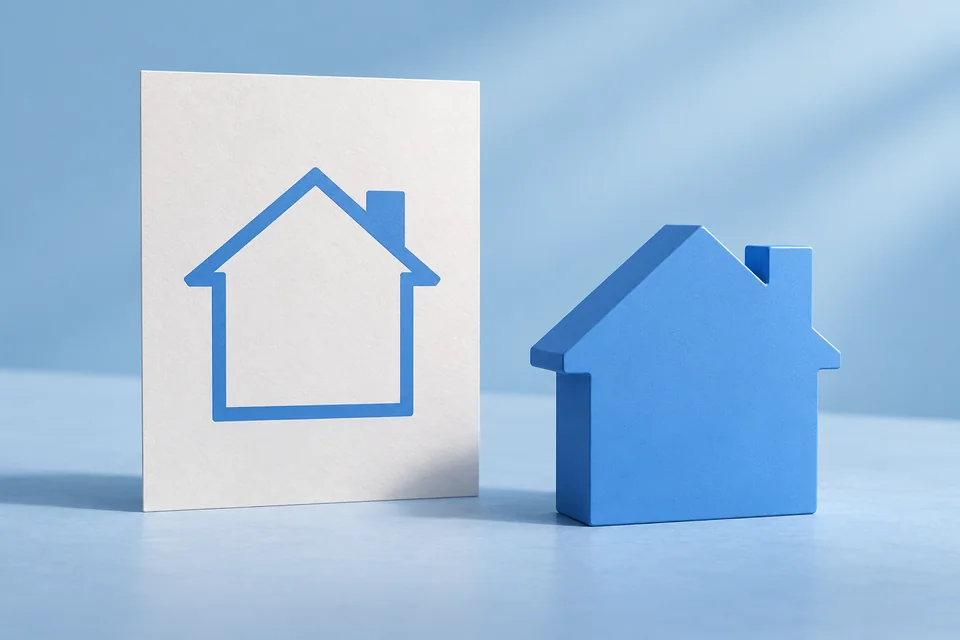
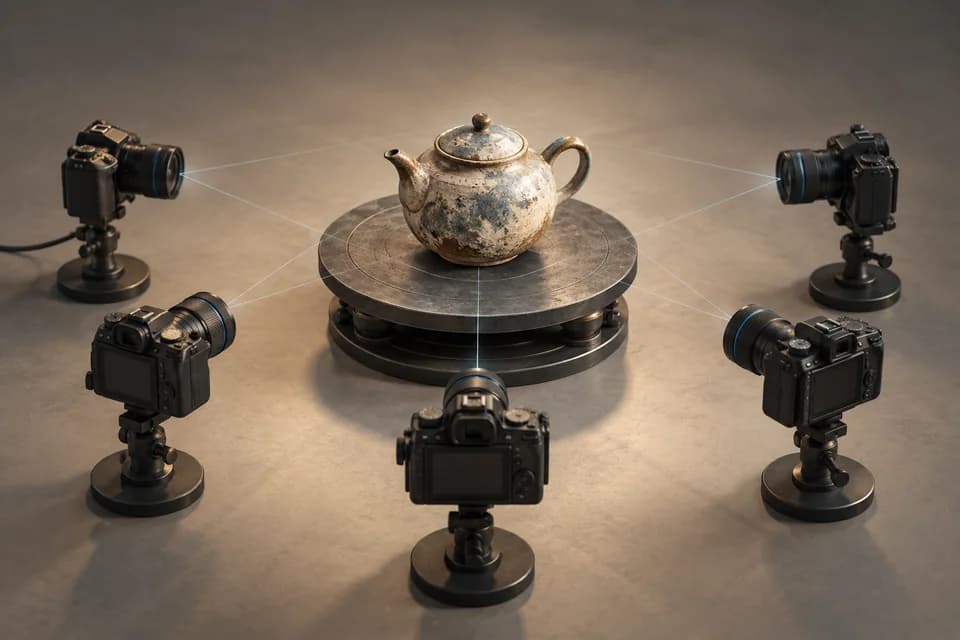
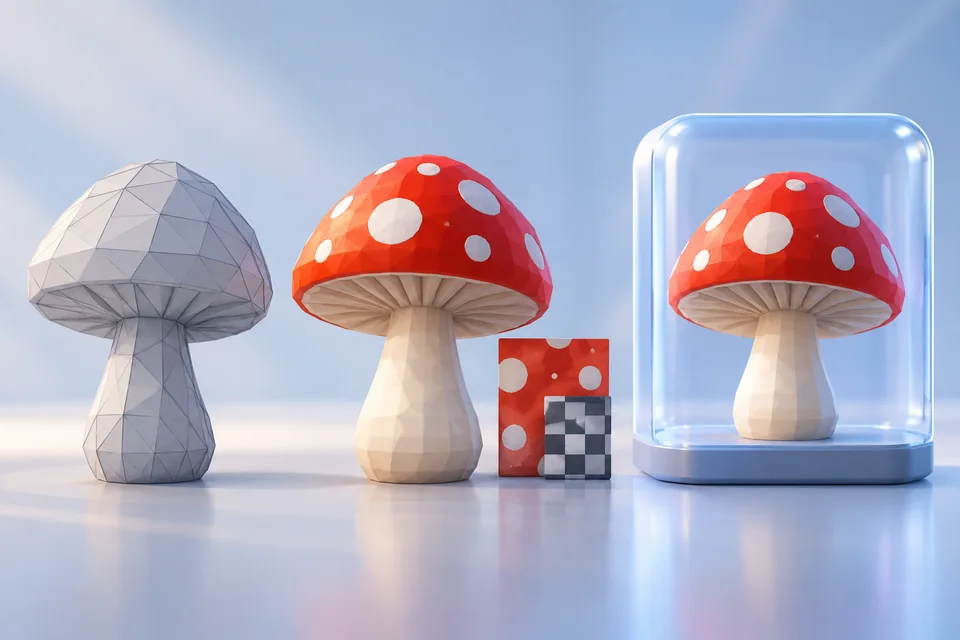
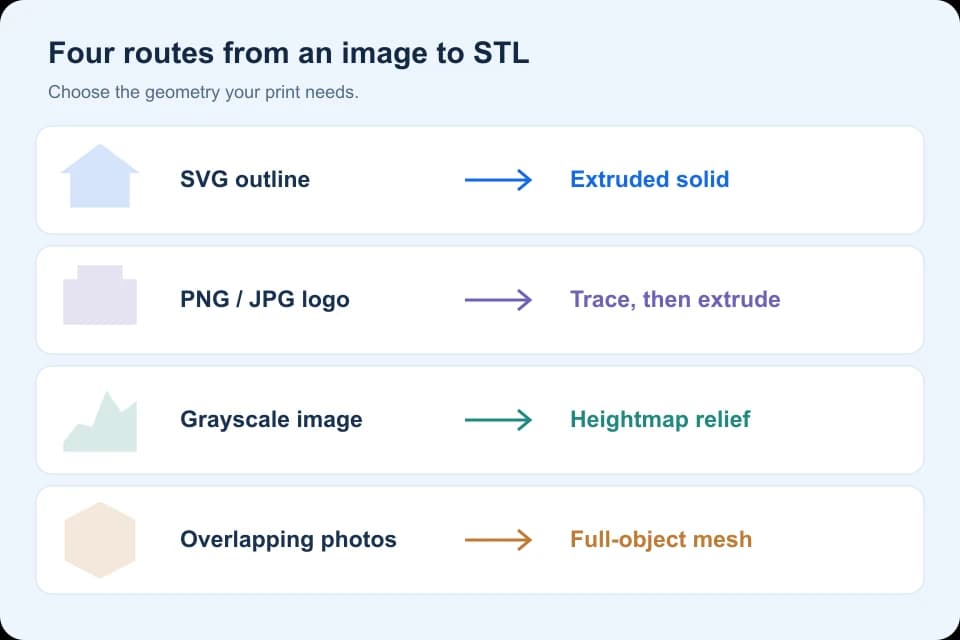
To convert an image to STL, choose the geometry first: extrude a closed SVG for a flat logo, trace a PNG or JPG before extrusion, map grayscale values to height for a relief, or reconstruct overlapping photos for a full object. Renaming an image file cannot create a printable mesh.
Choose the shape before choosing a converter
An image stores pixels or paths; an STL stores triangles. The useful conversion depends on what those triangles should represent. A flat logo, a raised portrait and a complete figurine need different workflows, even if all three start as a JPG.
Use the table below to choose a route. This is a workflow guide, not an upload converter. Our browser tools open an STL after you have created it; they do not reconstruct photographs or repair the mesh.
| What you have | What you want | Route | Important limitation |
|---|---|---|---|
| A closed SVG outline | A flat logo, badge or token with uniform depth | Import paths, fill, extrude and export STL | The silhouette becomes a solid; no hidden shape is recovered. |
| A PNG or JPG logo | The same kind of shallow solid | Trace the boundary into SVG, clean the paths, then extrude | Pixels and compression artifacts can become unwanted geometry. |
| A grayscale heightmap | A relief with varying surface height | Displace a sufficiently subdivided surface, add a closed base, then export | Brightness becomes height; photographic lighting is not measured depth. |
| Overlapping photos of an object | A mesh with front, sides and back | Photogrammetry, cleanup, scale setting and STL export | Unseen, reflective or transparent surfaces may not reconstruct reliably. |
SVG outline to STL: the shortest route for a flat design
Choose this for a logo, pendant silhouette or simple raised label. The SVG must contain closed vector paths. Saving a bitmap inside an SVG wrapper does not create that geometry.
The separate SVG-to-STL Blender tutorial contains the complete import, fill, extrusion and export procedure. It preserves our original house outline and an executed Blender 4.5.9 LTS export: 60 × 40 × 3 coordinate units, interpreted as millimeters, with 16 triangles after reimport. Downloadable files and the reproduction script are on that page.
Use that exercise when you need a repeatable starting point. It does not establish minimum printable stroke width for your printer or material; inspect the final sliced layers.
PNG or JPG to STL: trace first, then add thickness
For a simple bitmap logo, convert the boundary to editable paths before building a solid. Inkscape’s official tracing tutorial describes bitmap tracing and why automatic tracing often needs cleanup.
- Start from the largest clean source you have. Crop unnecessary background and make the intended foreground unambiguous.
- Use a vector editor’s bitmap trace to create paths. Compare the trace to the source at corners, holes and narrow strokes.
- Remove background regions, tiny islands and doubled outlines. Keep intentional holes and decide whether disconnected letters need a shared backing plate.
- Save actual vector geometry as SVG. Reopen it and check that the design survives without the original PNG or JPG.
- Follow the closed-outline extrusion steps and check the exported dimensions.
A higher tracing threshold is not automatically better. It can join nearby details or close holes. JPG compression can add rough edges; a transparent PNG can still have antialiased pixels that affect the trace. Choose the setting by the shape you intend to print, not by the number of points it creates.
This tracing route is documented guidance; we have not run a benchmark across bitmap converters.
Grayscale image to 3D relief: brightness becomes height
Choose relief when the front surface should vary in height while the object remains a shallow plate. A deliberately prepared heightmap is easier to control than a lit photograph: in an ordinary photo, a dark cheek might be a shadow rather than a recess.
Blender’s Displace modifier can offset geometry using texture values. For a relief workflow, the practical checks are:
- Use enough surface subdivisions to represent the intended detail, without creating an unnecessarily dense mesh.
- Decide the minimum base thickness and maximum relief height before adjusting displacement.
- Choose the displacement direction, strength and midlevel deliberately. Do not assume black always remains at the original surface with every setting.
- Close the sides and underside. A displaced open sheet is not a finished solid.
- Apply the intended result for export, reopen the STL, and inspect its bounds and sliced layers.
A lithophane also relates image values to thickness, but its goal is transmitted light. The relationship between brightness and thickness must suit that process; a decorative relief recipe is not automatically a lithophane recipe. No relief or lithophane print test is claimed here.
Photo to STL: reconstruct an object, not a silhouette
For a real object’s sides and back, collect overlapping views and use a reconstruction workflow. The Meshroom photo-to-3D guide explains capture, camera alignment and mesh retrieval, including the documented hardware constraints.
One photograph cannot reveal geometry hidden behind the visible surface. An AI image-to-3D service can infer a plausible shape from that photograph, but inferred geometry is not a measured reconstruction. Use the AI generator shortlist when an interpreted concept is acceptable. Use measurements and CAD for a fitted replacement part.
Neither route produces dependable physical size from an attractive preview alone. Establish scale with a known dimension, check gaps and disconnected parts, and export a clean copy for your slicer.
Check the STL before it reaches a printer
Open the file in the STL Viewer to rotate it and inspect the underside. Then use the Model Size Checker to select the intended coordinate unit and check X, Y and Z. A 60 mm badge must not become a 60 inch badge because two programs assumed different units.
These tools display geometry and calculate bounds. They do not certify closed surfaces, repair holes or choose supports. Inspect the slicer’s layer preview for missing strokes, separate islands and unexpectedly thin walls.
Why did the colors disappear?
STL does not carry the ordinary image-texture workflow. If you need a textured scene asset instead of a print mesh, compare STL, OBJ and GLB. A color change in the original image becomes geometry only if your chosen construction method explicitly maps it to geometry.
Can changing .png to .stl convert the file?
No. Renaming changes the filename, not the underlying data. The file must go through tracing, surface construction or reconstruction and then a real mesh exporter.
Return to the modeling guides for the next editing or file-preparation task.
Research method & official sources
Documentation-based workflow selection. The linked SVG tutorial contains an executed Blender export and reimport; the tracing, relief and photo routes are not presented as completed tests.
- Inkscape bitmap tracing tutorial ↗
- Blender SVG importer ↗
- Blender Displace modifier ↗
- Meshroom reconstruction guide ↗
Read our editorial and affiliate standards. Product recommendations do not depend on an affiliate relationship.