For 3D printing software, choose Blender for organic forms, Fusion for measured parts or Tinkercad for basic shapes. Use a slicer afterward.
| Product | Best fit | Pricing model | Platform | Documented exports |
|---|---|---|---|---|
| Blender | Organic modeling and detailed mesh control | FreeFree and open source. The software license does not automatically determine the license of assets you import. | Windows, macOS, Linux | STL, OBJ, GLB, FBX |
| Autodesk Fusion | Parts that depend on dimensions and design history | PaidPaid commercial software. A limited personal-use option is available for eligible non-commercial users; verify eligibility with Autodesk. | Windows, macOS | STL, OBJ, 3MF, STEP, F3D |
| Tinkercad | A first model or a simple shape-based part | FreeFree browser-based design application from Autodesk. | Web | STL, OBJ, GLTF |


Choose 3D printing software around the part you need
Choose Blender for sculpting, Fusion for measured parts or Tinkercad for basic shapes. These recommendations match a modeling method to a job; they are not a performance ranking.
This comparison uses official documentation. It focuses on model creation; you will still need a slicer to turn the finished geometry into printer instructions. More advanced software cannot compensate for an unsuitable design or printer setup.
A fitted lid needs different controls from a dragon
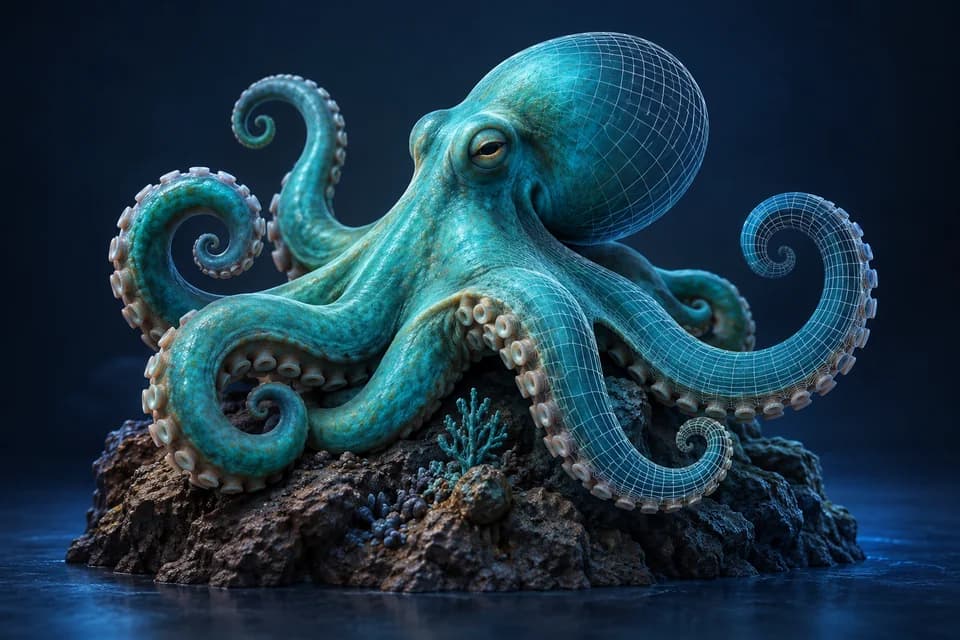
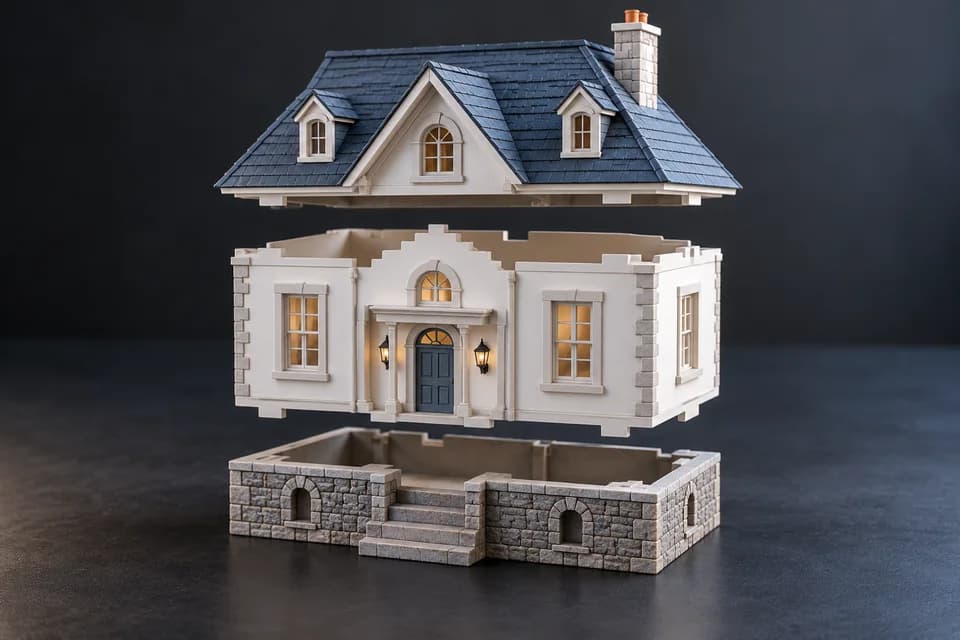
A fitted lid needs deliberate clearance adjustments. A dragon’s cheek and wings need direct surface control. Use dimensions for the first and sculpting or mesh editing for the second.
Choose by the next revision. Making the first shape quickly matters less if moving a hole disrupts the rest of the design.
Blender: free mesh editing and sculpting
Blender is useful for reshaping a downloaded asset, joining meshes or sculpting organic details. It has no software subscription, but the broad interface takes time to learn. Our Blender review explains when that investment makes sense.
Keep the editable scene. With a mesh-based modeler, exporting STL delivers a surface; it does not preserve your modifiers or editing history.
Tinkercad: a first nameplate or spacer
Tinkercad uses a browser-based, shape-oriented approach. Its narrow scope suits a first nameplate, spacer or simple enclosure. Start with a simple, measurable object.
Combining primitive shapes has limits. If repeated changes require rebuilding a fragile stack of shapes, move to a parametric modeler instead of adding more workarounds.
Fusion: dimensions and repeatable revisions
Evaluate Fusion for hole patterns, fitted lids and parts with controlled clearances. Dimensions and constraints can preserve the relationships you expect to change later.
Its personal-use option is limited to qualifying users. Before relying on free access for business work, check eligibility and required features; a personal license is not an unrestricted commercial plan.
What survives the export?
The documented export options were checked on October 21, 2026. Autodesk’s Fusion format reference lists STL, OBJ, 3MF, STEP and F3D among the formats available to personal-use users. Eligibility restrictions still apply. Use a surface format for the receiving slicer; keep the Fusion project for dimensions and design history.
Tinkercad’s printing export guide lists OBJ, STL and GLTF. It lets you export everything or selected shapes, but the exported shapes become a single part and cannot be ungrouped when reimported. Keep the editable design if you expect to move a hole or replace one shape later.
For Blender, keep the .blend scene and export the intended mesh. An STL does not preserve modifiers, materials or editing history. The practical difference between these tools is what you can change in the source project after the first export, not simply whether an STL button exists.
Where the slicer takes over
PrusaSlicer, Cura and Bambu Studio prepare suitable geometry for a compatible printer. Slicer selection depends on maintained machine profiles, material settings and layer inspection. A slicer cannot supply a wall your design never included.
For a straight cut, PrusaSlicer’s cut tool may save a trip back to a modeler. For a dimensional check alone, use the Model Size Checker before installing another application.
Test your choice with one revision
- Identify the dimension or shape you will need to change.
- Make that change and check neighboring features.
- Export only the intended object and reopen it.
- Verify scale, then print a small fit test if clearance matters.
The Blender vs Fusion comparison develops this decision. Judge the application by the editable result, not by how many buttons it offers.
Which 3D printing software should I learn first?
Use CAD for a measured part, mesh editing for an existing asset, and sculpting for an organic shape. Choose a small first object you can finish.
Is free 3D printing software enough?
Often. Geometry, printer calibration and material behavior matter more than subscription price.
Research method & official sources
Initial source review . This page uses official documentation; later source checks and any executed file examples are dated and scoped in the text. We have not benchmarked AI generation quality or performed physical print tests.
- Fusion documented formats ↗
- Tinkercad export and grouping limitations ↗
- Blender modeling features ↗
- Fusion personal-use conditions ↗
- Tinkercad ↗
Read our editorial and affiliate standards. Product recommendations do not depend on an affiliate relationship.